
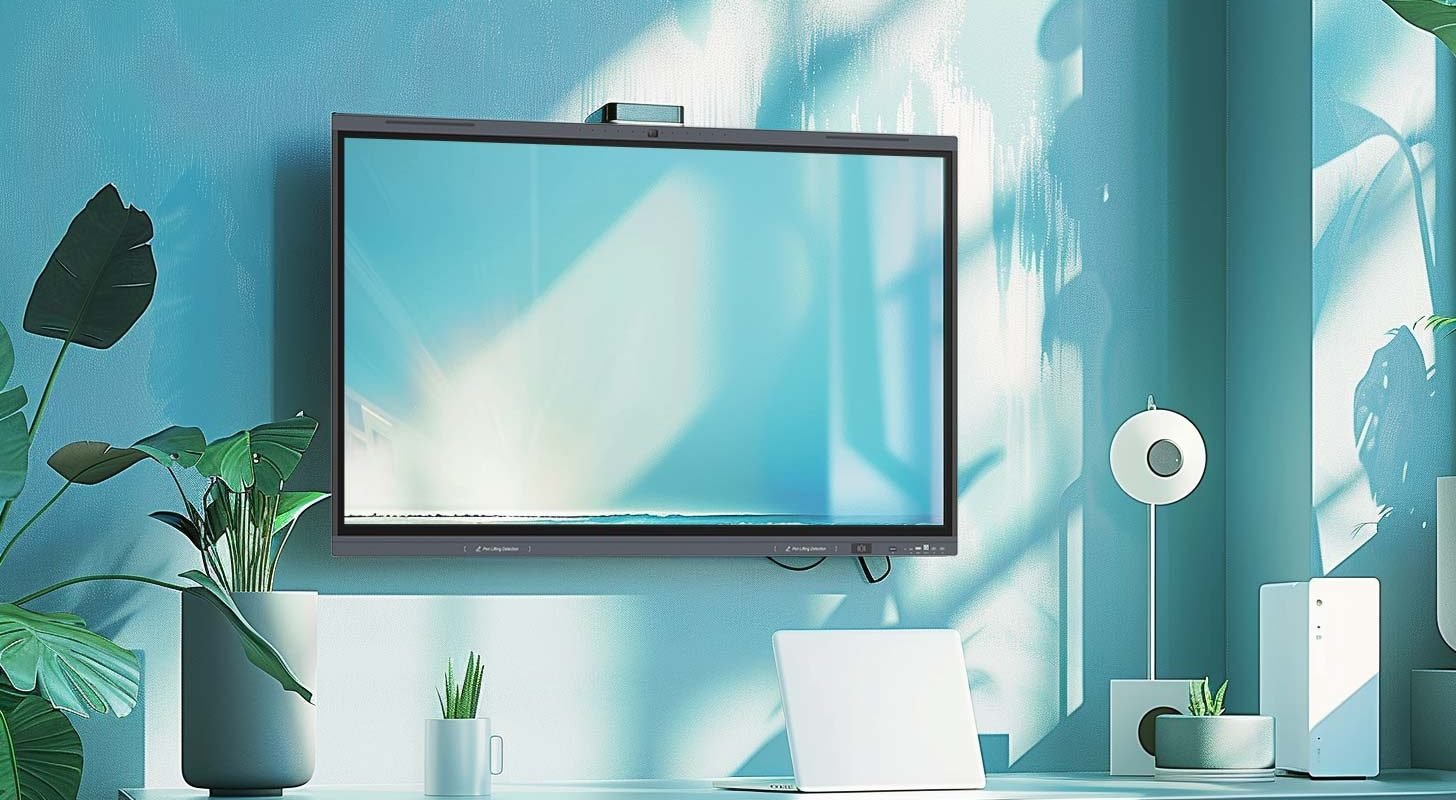
Interactive flat panel displays (IFPDs) are sophisticated devices that integrate several components to deliver interactive functionality and high-quality visual output. Here are the main components of an IFPD:
1. Display Panel
- LCD or LED Panel: The core component that produces the visual display. LCD (Liquid Crystal Display) and LED (Light Emitting Diode) panels are the most common types used in IFPDs. These panels determine the resolution, brightness, and overall visual quality of the display.
- Touch Sensor: An overlay or embedded layer that detects touch inputs. The most common types are:
- Resistive: Uses pressure to detect touch. Suitable for use with gloves or styluses.
- Capacitive: Uses the electrical properties of the human body to detect touch. Offers multi-touch capabilities and is more responsive.
2. Touch Controller
- Touch Controller: A microcontroller that processes touch inputs from the touch sensor and translates them into coordinates that the system can use to perform actions.
3. Glass Panel
- Protective Glass: A durable layer that protects the display and touch sensor. Often made of tempered or chemically strengthened glass to resist scratches and impacts.
4. Backlight Unit
- LED Backlight: Provides illumination for the LCD panel. LED backlighting is preferred for its energy efficiency and ability to produce bright, vibrant images.
5. Frame and Bezel
- Frame: The structural component that holds the display, touch sensor, and protective glass together. It provides stability and durability.
- Bezel: The outer frame of the display, which may house physical buttons or simply provide a border around the active display area.
6. Embedded Computing Hardware
- Processor: The central processing unit (CPU) that runs the operating system and applications.
- Graphics Processor (GPU): Handles rendering of images, video, and animations.
- Memory: RAM and storage components that support the operation of the system and the storage of applications and data.
7. Input/Output Ports
- Connectivity Ports: Various ports for connecting external devices, such as HDMI, USB, DisplayPort, and audio jacks. These allow for the integration of computers, cameras, sound systems, and other peripherals.
- Network Interfaces: Ethernet and Wi-Fi for internet and network connectivity, enabling remote management and interactive features.
8. Speakers and Microphones
- Integrated Speakers: Provide audio output for multimedia applications.
- Microphones: Enable voice input for applications like voice commands and video conferencing.
9. Software and Firmware
- Operating System: The software platform that runs the interactive features. Common operating systems include Windows, Android, and proprietary systems designed for IFPDs.
- Firmware: Low-level software that controls the hardware components and ensures they operate correctly.
10. Cooling System
- Fans and Heat Sinks: Manage heat generated by the display and computing components to ensure reliable operation.
11. Power Supply
- Power Supply Unit (PSU): Converts electrical power from an outlet into the appropriate voltage and current needed to run the display and other components.
Conclusion
The integration of these components allows IFPDs to deliver a seamless and interactive user experience, suitable for applications in education, business, healthcare, and other fields. The combination of high-quality displays, responsive touch technology, robust computing hardware, and versatile connectivity options makes IFPDs powerful tools for collaboration and communication.